






Exclusive Offer
Get your Free 30 days access

Suspicious emails
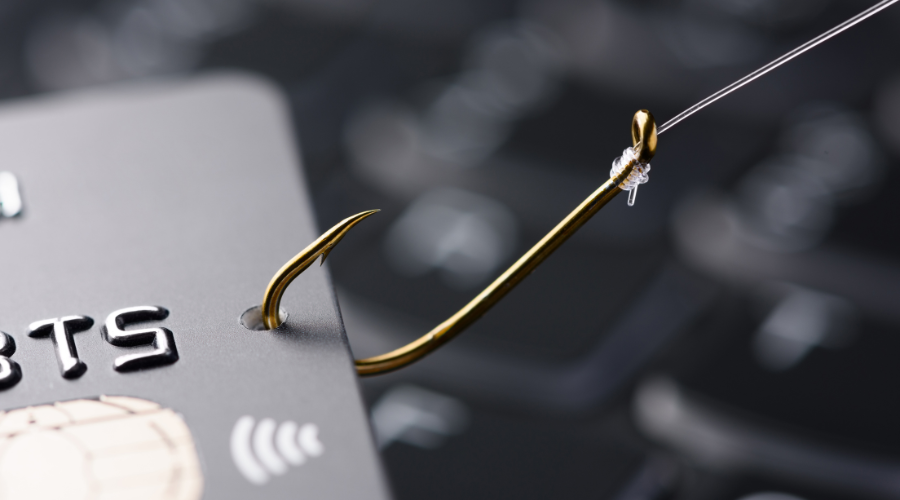
Email fraud techniques, commonly known as "phishing," have become one of the most common forms of fraud and are more common in the last months of the year. A basic rule of self-protection is to always exercise caution before clicking on any links or opening emails from companies you don't recognize or don't have direct dealings with.
Importantly, if you do not remember that you gave them your email address, it is possible that your personal information has been sold to a third party and will be used for fraudulent or deceptive purposes. .
Scammers will often try to insert malware links into emails they design to appear to be from reputable organizations or companies. However, one important detail you should check is the email's sending domain. If the sending domain doesn't look trustworthy or doesn't match the company the email represents, you should consider not clicking on the link or opening the attachment, to keep your personal information and account safe. .
Travel scam
Many consumers easily fall victim to "super cheap" vacation deals that include airfare, hotel accommodations and attractive meals. However, often when they provide their credit card information, they suddenly discover that the offer is not valid or trustworthy. To avoid falling into this situation, a simple rule is to only buy travel services from reputable websites, such as those that offer customer support and have trustworthy reviews from other consumers. Always remember, if a deal looks too good to be true, it's probably a sign that it's unrealistic.
Charity fraud
The surge in charitable donations during the holiday season makes it extremely important to verify the site you are donating money to. This further demonstrates the necessity when dealing with charities. A reputable and honest charity will never ask you to donate cash or gift cards.
Before you donate, make sure you've done your own careful research. There are sophisticated scammers who can impersonate well-known charities and push you to donate to them. To avoid this, you should check and verify the charity's legitimacy through websites such as Charity Navigator, an industry watchdog with a trustworthy reputation for evaluating charities.
Hackers lurk on public Wi-Fi
Public Wi-Fi networks, like those you often find at malls, coffee shops, and restaurants, are often poorly secured, making them a magnet for intruders. They take advantage of weak security vulnerabilities to conduct man-in-the-middle attacks and steal your personal information at any time of the year.
We strongly recommend that you only connect to public Wi-Fi networks when you use a high-quality VPN service. If you don't use a VPN, using mobile data is safer than connecting to public Wi-Fi.
The offers are so good
We all love great deals, and the holiday season often comes with the best shopping opportunities. With the arrival of exciting shopping days like Black Friday and Cyber Monday, many consumers wait for the end of November to start their holiday shopping.
Cybercriminals understand this well. Based on some statistics, more than 5,000 scam websites related to Black Friday and Cyber Monday were registered in November. Many of these have domain names that suggest that they are related to physical events. professional sports or famous brands.
Always use common sense methods to check the legitimacy of trading sites. If social links on a website, like Facebook and Instagram, are lacking or non-existent, that's a warning sign - reputable businesses often promote themselves on social networks. Furthermore, always prefer to shop from companies that are reputable and have been around for a long time instead of from upstart websites that have appeared recently.
Tips to stay protected
Be alert and double-check your bank and credit card statements: When engaging in holiday shopping activities, it can become difficult to keep track of all online transactions. However, make it a habit to compare your credit card statements with emailed purchase receipts. This helps you better understand your finances, and if there are any unclear transactions, you can quickly verify them.
Limit creating too many online accounts: Some websites allow you to pay as a customer without asking for much personal information. This is very useful, especially when the website has experienced cyber attacks that could leak personal data. Minimizing the creation of multiple online accounts also reduces the potential for attack.
Read reviews: Take direction from the vast internet community. If a website has many reviews from verified users, it is a positive sign. If you feel like something is wrong, try searching for the product name along with the keyword "reviews" in search engines. If it's an untrustworthy or scam site, you're probably not the first person to have problems.